Table of Contents
How Sequential Numbering Works
Sequential Numbering lets you rename multiple images using an automatically generated number sequence.
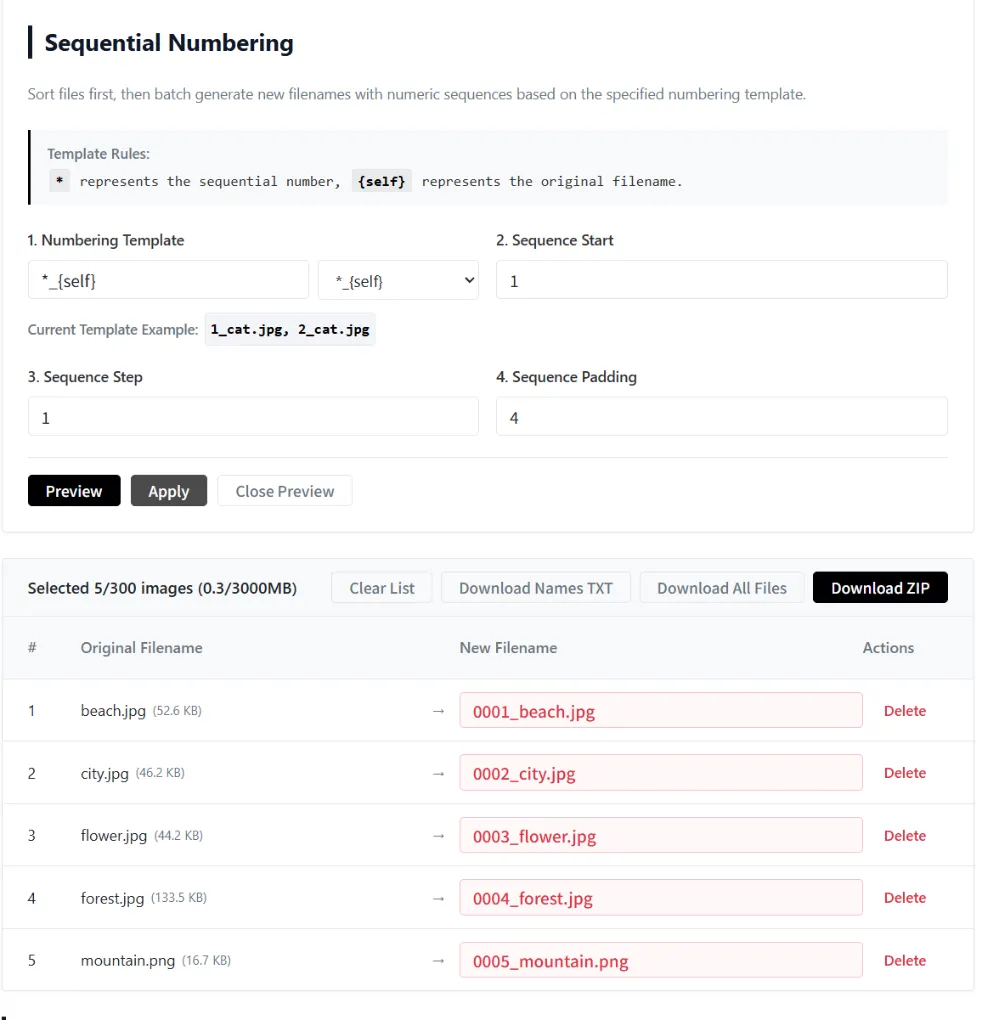
Customize the numbering template, sequence start, sequence step, and padding to generate filenames exactly the way you want.
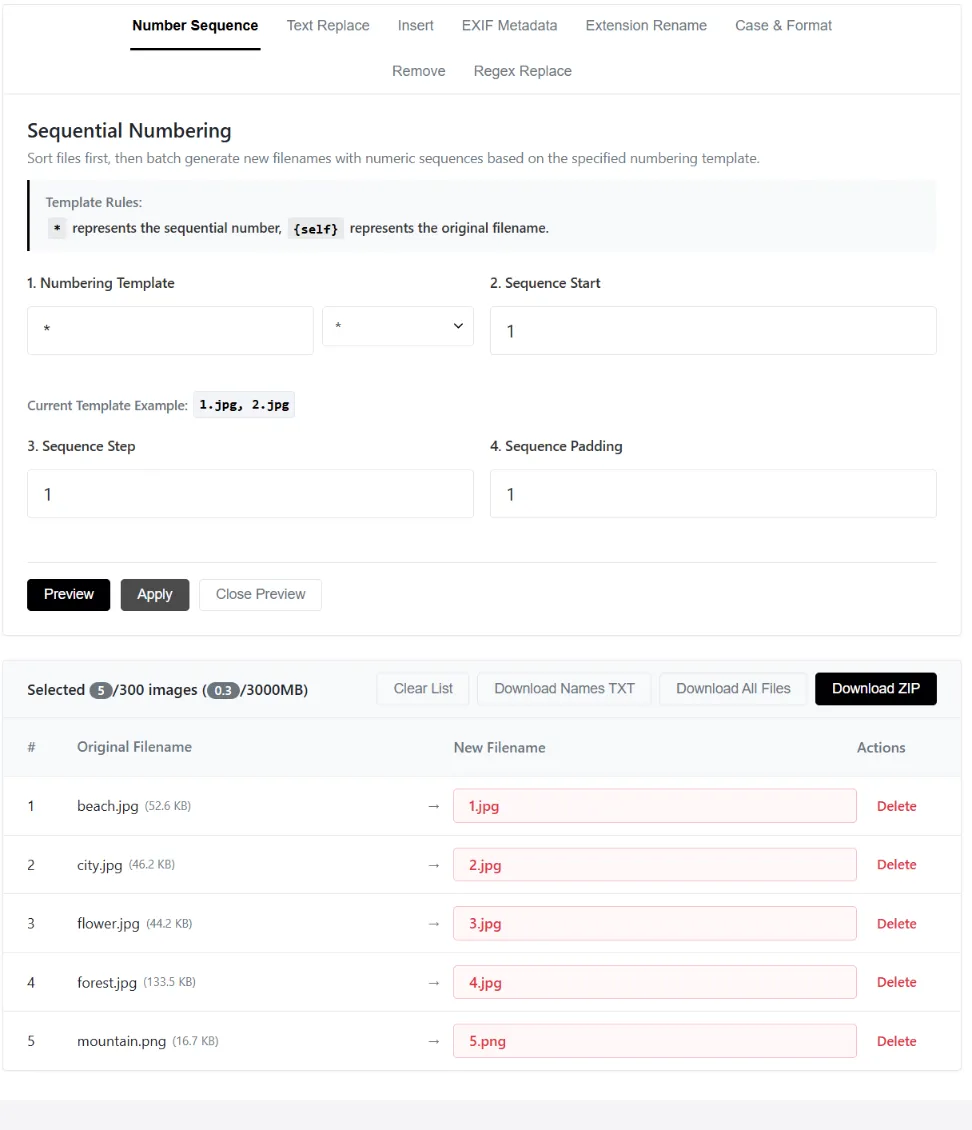
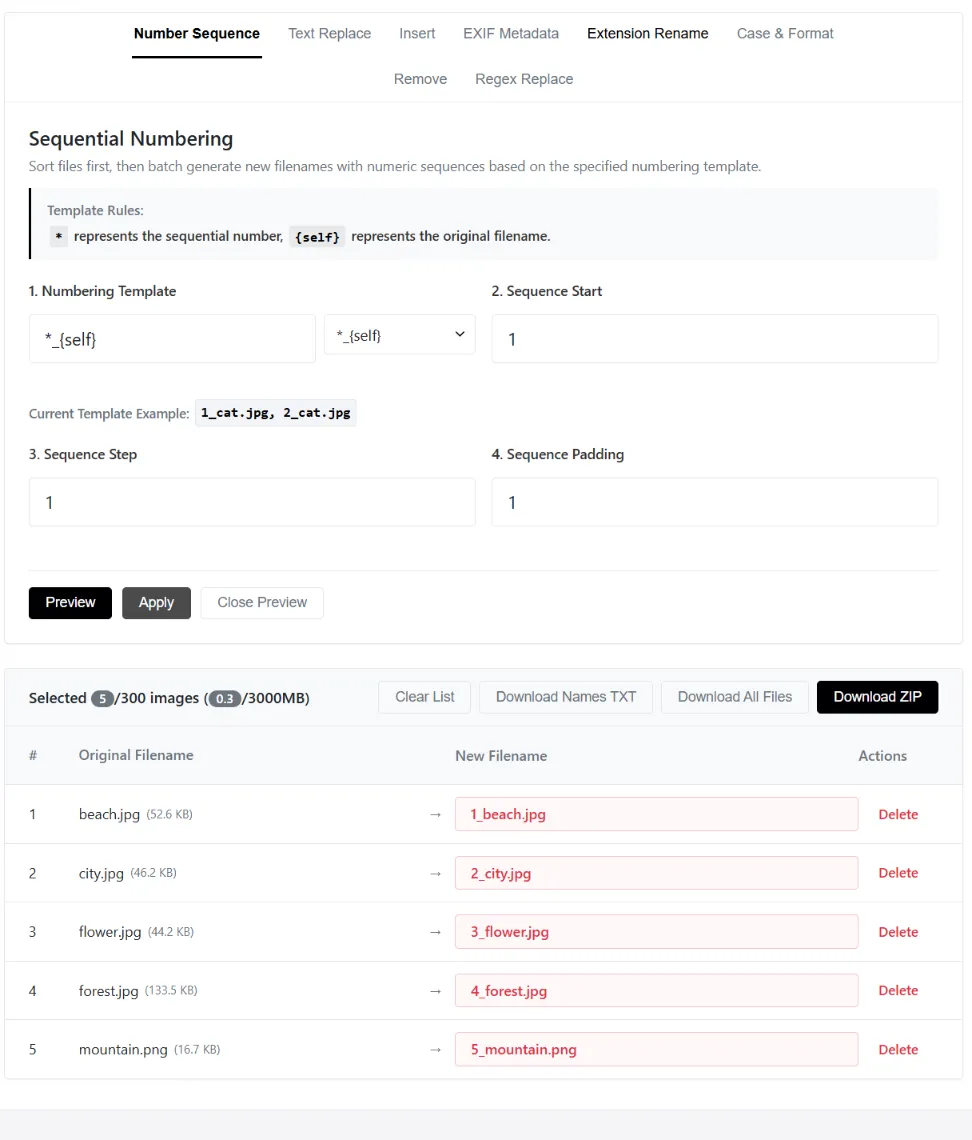
Numbering Template
Define how the generated filename should look using placeholders.
* = Sequential number{self} = Original filename
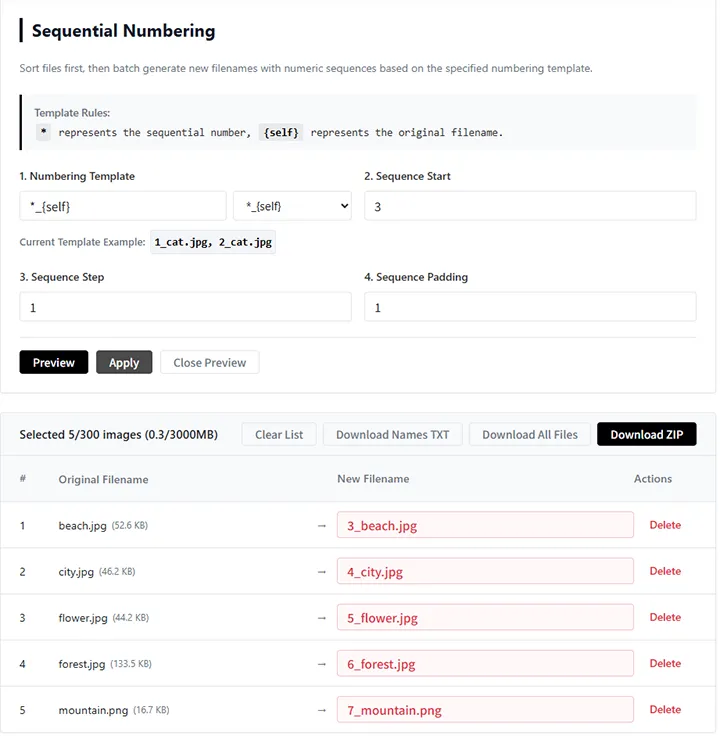
Sequence Start
Set the first number in the sequence.
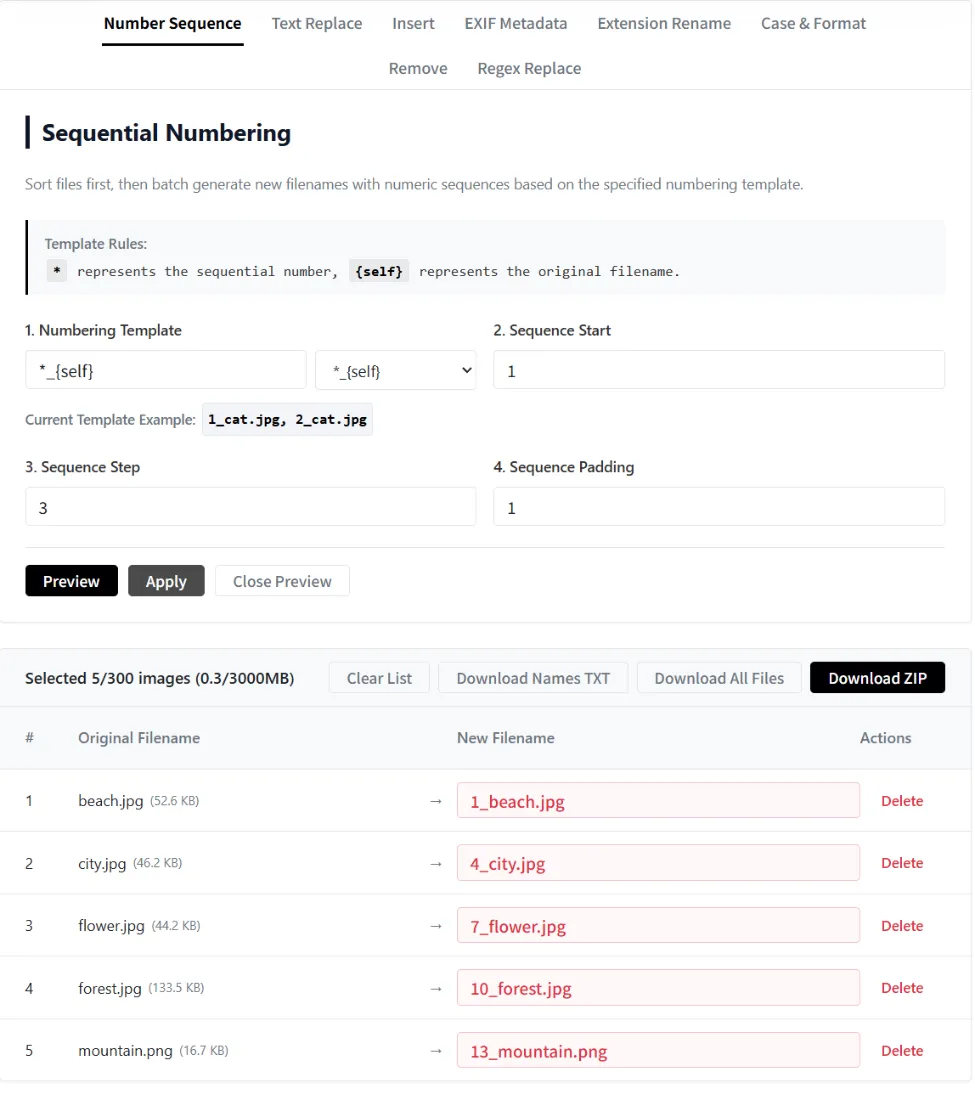
Sequence Step
Increase the sequence by a custom step.
Sequence Padding
Add leading zeros to keep filenames aligned.
Try This Preset
Preset Preview
| Original Filename | Renamed Filename |
|---|---|
beach.jpg |
03.jpg |
city.jpg |
05.jpg |
flower.jpg |
07.jpg |
forest.jpg |
09.jpg |
mountain.png |
011.jpg |